The GoalsOnTrack sales page, captured 2026-09-23
GoalsOnTrack review
Keeps long term goals broken into steps, scheduled and visible instead of quietly drifting
By the RJ Editorial Team. Sales page checked 2026-09-23. Last updated 2026-10-04.
Is it worth it?
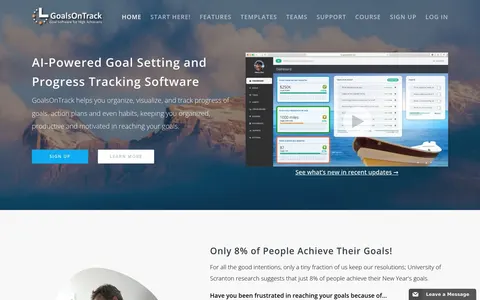
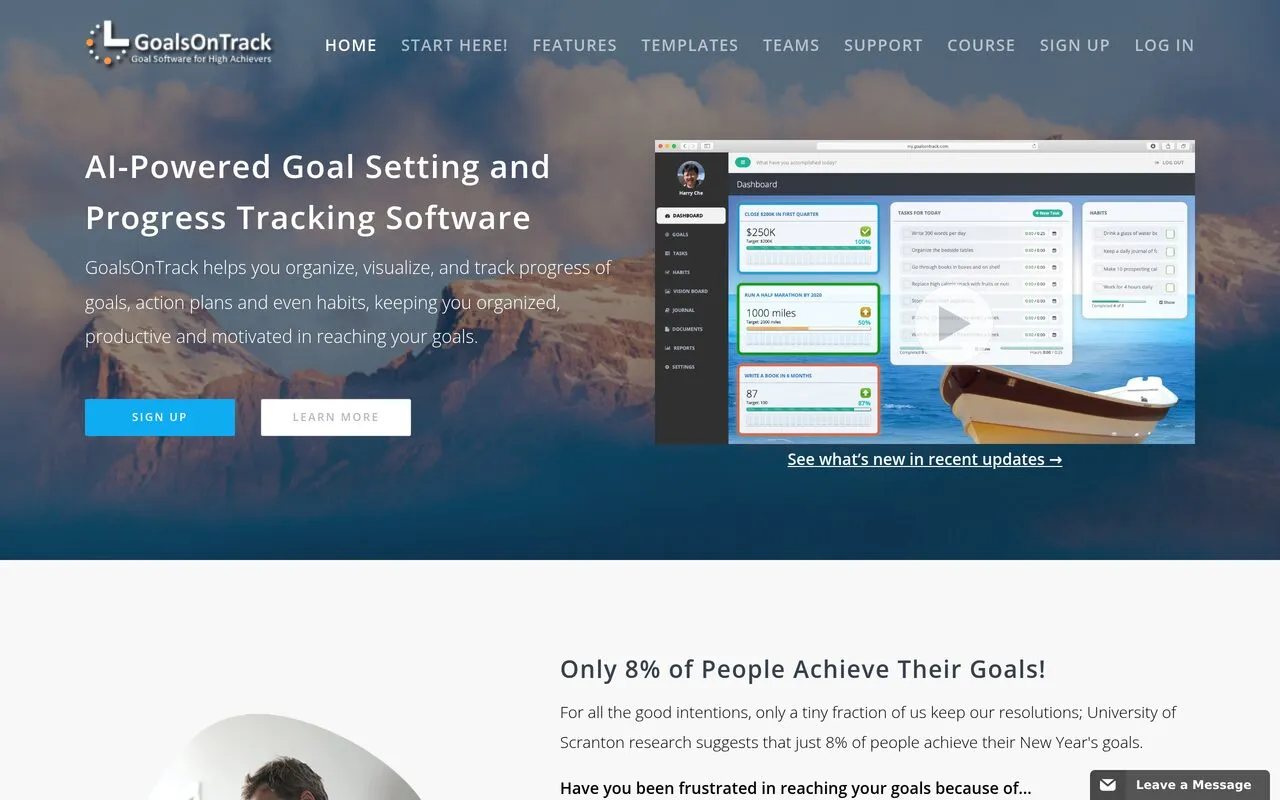
You know the feeling. There's a list somewhere, maybe in a notes app, maybe on a scrap of paper from January, with three or four things on it that genuinely matter to you. Get fit. Finish the qualification. Start the side thing. And it's September and none of them have moved, not because you're lazy, but because nothing in your actual day ever points at them. GoalsOnTrack is a web app built around that gap. You put a goal in, break it into sub-goals and milestones, hang real tasks with real dates off them, and it keeps the whole tree on one page so you can see where things stand. There's a habit tracker you can link to a goal, a calendar you drag tasks around on, a journal, and a vision board tool that turns your own photos and music into a slideshow. Recent versions add an AI assistant that will suggest how to structure a goal or what to do next. The honest limit is that it's still you doing the work. Software can't make you open it on a Tuesday night, and the page's line about only 8% of people reaching their goals is the seller framing a problem, not proof this solves it. If you think better when things are written down and visible, it's a good home for that. If you've already abandoned three planning apps, the fourth probably isn't the answer.
Pros
- Everything for one goal sits on a single page
- Habits and tasks link back to the goal they serve
- Templates give you a starting structure if you're stuck
- Vision board and journal add the motivational side, not just admin
Cons
- It's a subscription, and the sales page doesn't show the price or billing cycle up front
- Only works if you actually log in and update it, which is the same discipline problem you're trying to fix
- No refund terms, trial length or cancellation details stated on the page
GoalsOnTrack
Keeps long term goals broken into steps, scheduled and visible instead of quietly drifting
What you get
Access to a web app you log into rather than a download. Inside there's SMART goal setup, sub-goals and milestones under each goal, action plans with recurring tasks on a drag and drop calendar, a habit tracker that scores your consistency, a goal journal, ready made goal templates, a vision board builder using your own photos and music, and an AI toolbox that suggests plans and next steps.
Before you buy
- Find the exact monthly or annual price and how cancellation works before you sign up
- Check whether there's a free trial, and use it for a fortnight before paying
- Check how it works on your phone if you'd mostly be ticking things off away from a desk
Who it suits
People with two or three big multi-month goals who genuinely like structure and will sit down with a planner regularly
Related products
Smart Water Box
A DIY build guide for people who want their own backup source of drinking water.

Water Freedom System
A build-it-yourself guide to pulling drinking water out of humid air as a backup supply

His Secret Obsession
A short book on reconnecting with a partner who has gone quiet or distant.

The Overnight Script for Negative Thoughts
A short bedtime script meant to break the loop of thoughts that keep you awake

Joseph's Well
DIY plans for setting up your own water supply, aimed at drought and dry-well worries.

David's Shield
A faith based take on preparing for an EMP or grid down, aimed at the worry as much as the gear.