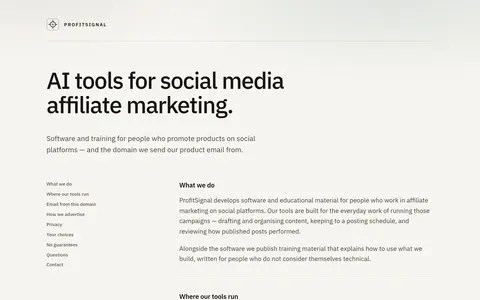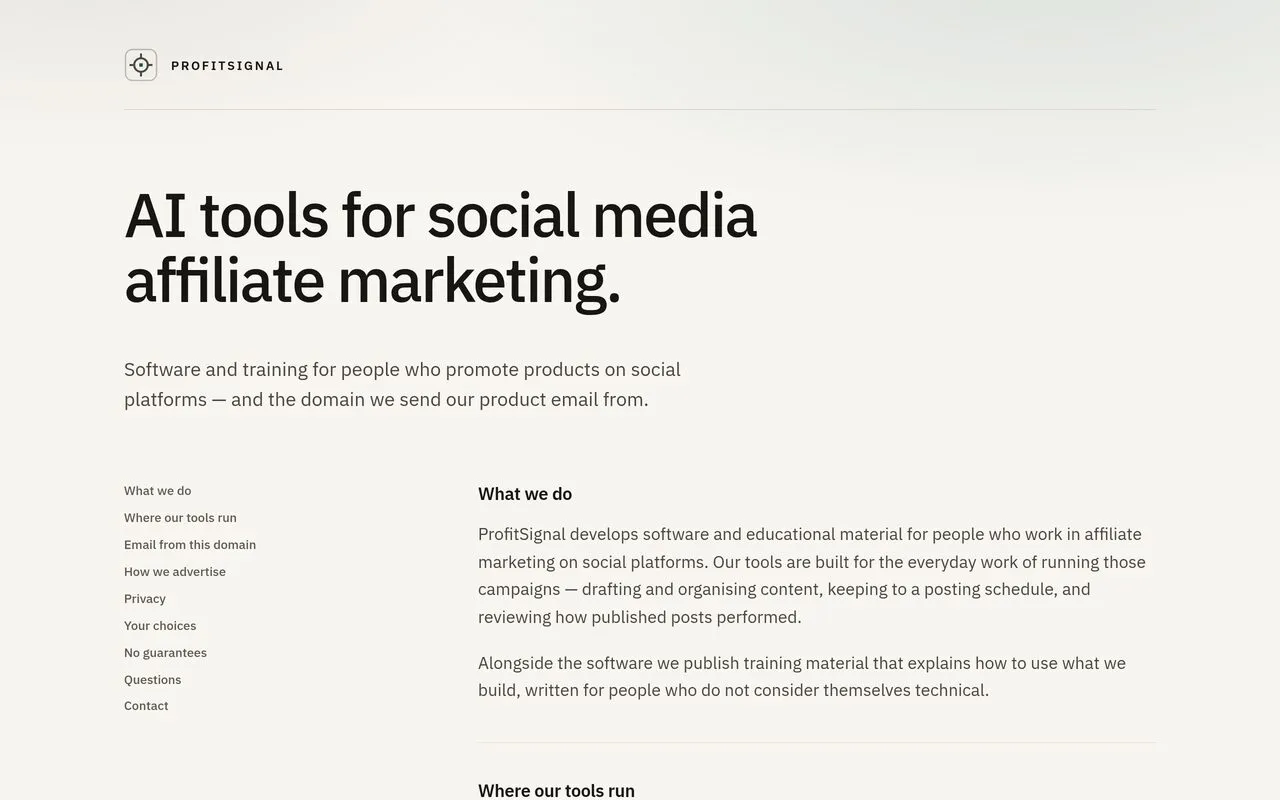
The ProfitSignal sales page, captured 2026-09-23
ProfitSignal review
Browser tools to plan your social posts, stay on schedule and see what actually worked
By the RJ Editorial Team. Sales page checked 2026-09-23. Last updated 2026-10-04.
Is it worth it?
If you're the person posting product recommendations on social and it's all held together by a notes app, a camera roll and good intentions, you know the two failure points. You post in bursts, then go quiet for a fortnight. And you couldn't say with any confidence which of those posts actually landed. ProfitSignal is software aimed at exactly that mess. It runs in a browser, so phone or laptop, nothing to install, and it does three things: helps you draft and organise content, keeps you to a posting schedule, and shows you how the published stuff performed. There's written training alongside it, pitched at people who aren't technical. Worth saying plainly: the page I've read is mostly the privacy and policy section, not a product tour. No screenshots, no feature list, no pricing. So I can tell you what it's for, not how well it does it. The upside of that same page is the tone. They say outright that they don't promise any particular income and that nothing they publish is a forecast of results. That's rarer than it should be and it says something decent about who's running it. AI is in the name and the description, but what the AI actually does isn't explained, so treat that as a claim until you've seen it working.
Pros
- Runs in any browser, phone or desktop, nothing to install
- Training written for non-technical people, not just docs
- No income promises anywhere on the page
- Updates arrive automatically with release notes by email
Cons
- The page is policy and privacy text, not a product demo, so there's no feature list or screenshots
- No price, no trial details and no refund terms stated anywhere
- The AI part is named but never explained
ProfitSignal
Browser tools to plan your social posts, stay on schedule and see what actually worked
What you get
Browser-based software plus written training. The tools cover three jobs: drafting and organising posts, keeping to a posting schedule, and looking back at how published posts did. Nothing to install, works on a phone or a laptop. The training explains how to use the tools and is written for people who don't think of themselves as technical. Updates land for everyone at once, with release notes by email.
Before you buy
- Ask what the price is, whether it's one payment, and what the refund window is
- Ask for a demo or screenshots of the scheduling and performance screens before paying
- Check it supports the specific platforms you post on, the page never names them
Who it suits
Someone already posting regularly on social who's disorganised rather than starting from scratch
Related products

The ClickBank Profit Club
A paid monthly group for people trying to build an income online from scratch.
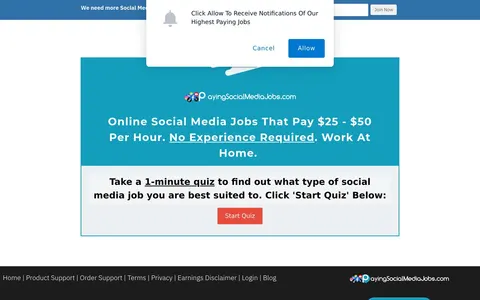
Paying Social Media Jobs
Training and job leads for people who want paid social media work they can do from home
Social Sale Rep
A members' area of remote live chat job listings plus training on how to apply for them.

InstaDoodle
Makes whiteboard-style animated explainer videos from text prompts, no editing skills needed

Go Digital Income
A beginner's starting point for setting up three online income streams from home.

The 2-Line SMS AI System
Turning a business's old, cold enquiry lists into bookings using automated text messages