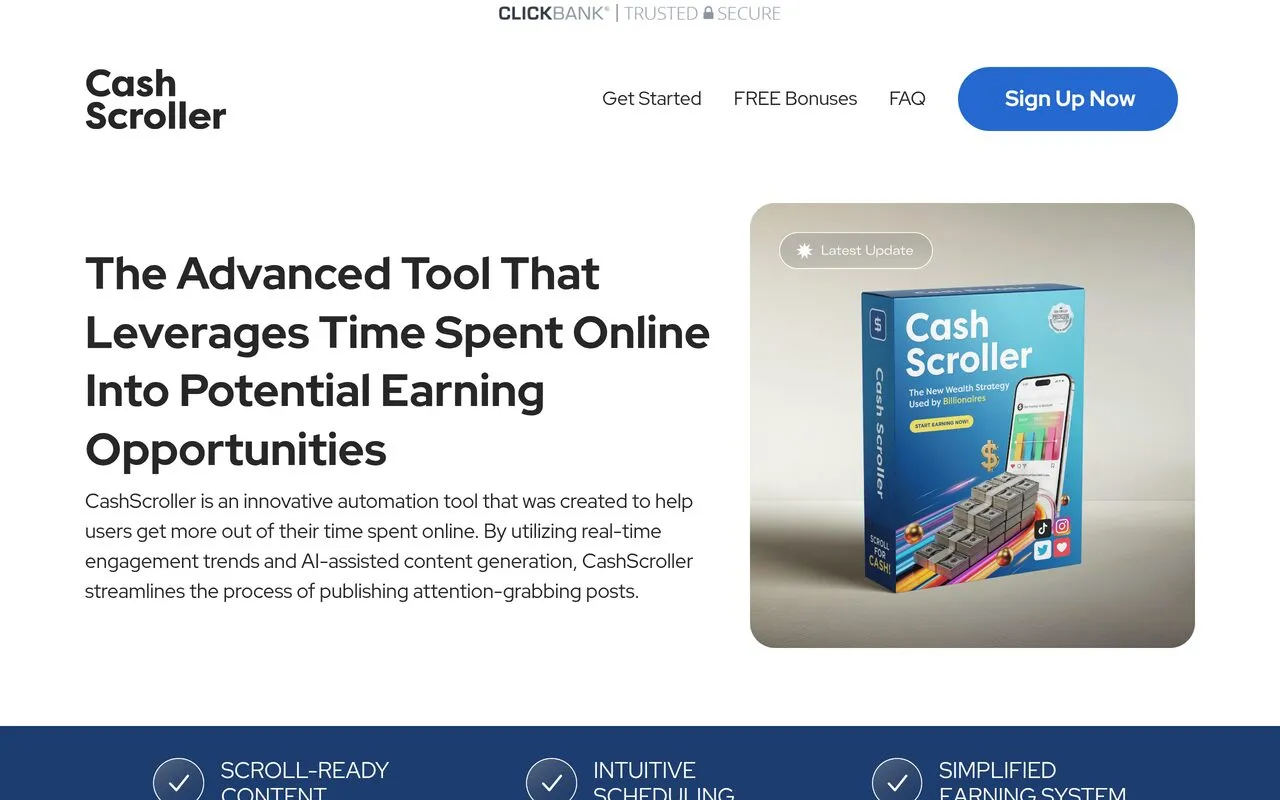
The CashScroller sales page, captured 2026-09-23
CashScroller review
A posting and scheduling tool aimed at people trying to earn something from social content.
By the RJ Editorial Team. Sales page checked 2026-09-23. Last updated 2026-10-04.
Is it worth it?
You've probably spent a lot of hours scrolling lately, and somewhere in there the thought landed: other people seem to be making something out of this, and you're just burning evenings. So you go looking for the thing that turns posting into money. That's the itch this is selling to. What CashScroller actually is, underneath the language, is a content tool. You pick a topic, build a post with the built-in editor, add your link, then publish it now or schedule it. The dashboard tells you which posts got clicks. That's genuinely useful if you're disorganised about posting, because having one place to draft and queue beats doing it ad hoc at midnight. What it isn't is a way to get paid for scrolling. The page talks about a "simplified earning system" and bonuses promising $6K in 30 days, but it never explains where money would come from, and no proof is offered for those figures. You still need something to promote and an audience to promote it to. The tool handles publishing, not demand. Priced at $67 one-off, no subscription, with a stated 60 day refund window. If you already have an offer and just need to post more consistently, it's a reasonable small buy. If you're hoping it supplies the income itself, it won't.
Pros
- One-time price, no monthly fee
- Scheduling plus a click dashboard in one place
- Beginner-friendly walkthrough, no technical setup
- 60 day refund policy stated on the page
Cons
- Never explains where the earnings actually come from
- Bonus income figures are claims with no evidence behind them
- Overlaps heavily with free scheduling tools most platforms already offer
CashScroller
A posting and scheduling tool aimed at people trying to earn something from social content
What you get
Browser-based access to a post builder (headlines, captions, images, memes, video clips, your link), a scheduler for posting now or later, and a dashboard showing clicks, views and engagement per post. Plus a members' area and three PDF-style bonuses: a 30 day strategy guide, five short user case studies, and a guide to posting methods that keep older posts working.
Before you buy
- Be clear on what you'd be linking to, because the tool doesn't supply that
- Ask which social platforms it can actually post to before paying
- Check the refund process (email address, conditions) while you're still inside 60 days
Who it suits
Someone who already has a product, link or niche and just needs help posting regularly.
Related products

VIP Algos
TradingView indicators that flag possible buy and sell setups on your chart

WoodProfits
A guide to turning home woodworking into a small paying side business

LeskoHelp by Matthew Lesko
Helps you find and apply for government grants and assistance programs you may qualify for
The Crypto Code trading community
For people who hold crypto but can't say why they buy or sell, and want a set plan

MillionairesGold
A low-cost membership with classes and a community for people wanting to build income online
The AI Blueprint: From Hustle to High Growth
A practical guide to getting steady, repeatable results out of AI tools for your business.
